
Bizzo Casino Australia
Bizzo Casino App Install on Android and iPhone
Two minutes from now you can have a Bizzo icon on your home screen, opening the full lobby with no address bar in sight. It will not come from Google Play, it will not come from the App Store, and it will not be an apk file. What follows is what that icon actually is, how to put it there, and why the pages promising you a download are wrong.
Is There a Bizzo Casino App You Can Download?
Not from an app store, no. Yes as a home-screen install, and that distinction is the entire subject of this page.
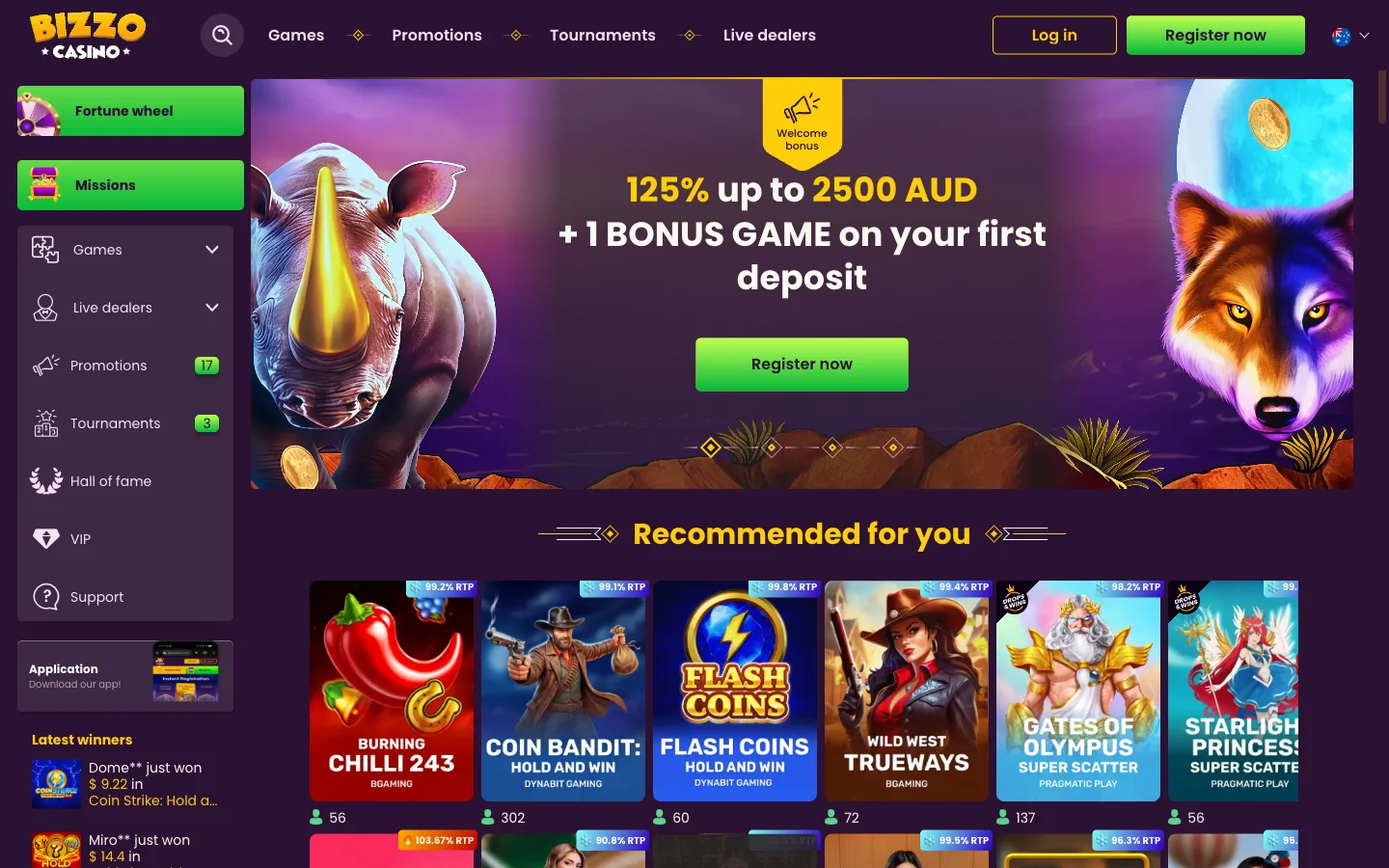
What Bizzo Casino runs is a progressive web app. You open the casino in the browser on your phone, tell the browser to add it to your home screen, and from then on it lives beside your other icons. Tap it and the lobby fills the screen with no URL bar and no browser tabs. Your session stays signed in between visits. To your thumb, it is an app.
The confusion is not the reader's fault. Bizzo's own left-hand navigation carries a panel headed "Application" with the line "Download our app!", which reads like a promise of a package waiting on a server somewhere. Click it and you get install instructions for your browser, not a file. I think the operator could word that better, but the feature underneath works.
So when a page puts the Bizzo Casino app download on Google Play with a version number and a file size beside it, treat the rest of that page with care. Pages advertising a Bizzo apk or an App Store listing are common, and some go as far as quoting minimum system requirements for software that was never published. The install below is the one that exists.
Installing the Bizzo Casino App on Android
Chrome is the easy path here, and most Australian Android phones ship with it as the default. The whole thing takes about as long as it takes to read the steps.
- Open Bizzo Casino in Chrome on your Android phone and let the lobby finish loading.
- Tap the three-dot menu at the top right of the address bar.
- Choose Add to Home screen, or Install app if Chrome shows that wording instead.
- Confirm the name in the small pop-up and tap Install.
- Open the new Bizzo icon from your home screen or app drawer and it starts full-screen.
Chrome varies its wording by release, and both entries produce the same icon, so take whichever one your menu offers. If neither appears, the page has not finished loading or you are in an incognito tab, where Chrome withholds the install.
Samsung Internet, preloaded on Galaxy handsets and genuinely popular around Sydney and Brisbane, hides the same feature elsewhere. Tap the three-line menu at the bottom right, choose "Add page to", then pick "Home screen". The icon behaves the same, though Samsung Internet is fussier about push notifications than Chrome is.
One detail worth setting straight: nothing downloads. No progress bar, no "unknown sources" prompt, no warning from Play Protect. Your phone is writing a shortcut and caching some web files, which is why the Bizzo android app takes seconds even on patchy 4G out past the Melbourne suburbs.
Install Bizzo Casino on your Android
Adding Bizzo Casino to an iPhone Home Screen
iOS does the same job through the Share sheet, and the steps are short once you know where Apple hid the entry.
- Open Bizzo Casino in Safari on your iPhone or iPad.
- Tap the Share button in the toolbar, the square with an arrow pointing up.
- Scroll down the share sheet and tap Add to Home Screen.
- Shorten the name if you like, then tap Add at the top right.
- Tap the new icon and the lobby opens without Safari's address bar.
Now the detail behind most failed attempts: this only works from Safari. Chrome, Firefox and Edge on iPhone all render through Apple's engine, but only Safari may write a home-screen icon that launches full-screen. Try it in Chrome for iOS and "Add to Home Screen" is either missing or produces a plain bookmark that opens back inside a tab.
If you normally live in Chrome, copy the casino link into Safari once, run the install, then carry on as before. The Bizzo app iOS icon does not care which browser you use afterwards.
Why Bizzo Casino Is Missing From Google Play and the App Store
This is the question underneath all the others, and it deserves a proper answer. The reason is not that Bizzo is hiding, or that the developers never got around to it. It is policy, and it is not negotiable.
Both stores treat real-money gambling as a restricted category. Apple's App Review guidelines require a real-money gaming app to be submitted by the licensed operator itself, geo-restricted to the territories where that licence is valid, and approved country by country. Google Play runs its own gambling programme the same way: an operator applies per country, and only countries on Google's published list are accepted. Australia is on both lists, which is why Sportsbet, TAB and Ladbrokes sit on the stores today. What each store then asks for is a licence valid in the country where the app is distributed.
That is where online casino gaming falls out. Australia licenses wagering, at state and territory level, and does not license online casino gaming for supply to Australians, which the Interactive Gambling Act 2001 prohibits. So an Australian bookmaker can hand Apple and Google a licence that covers what its app does, and an online casino cannot. Bizzo Casino operates under Curacao licence 8048/JAZ, a legitimate offshore licence and the model nearly every brand serving this market uses. What it is not is a licence valid for online casino play in Australia, which is exactly what the stores ask to see first.
Follow that through and the outcome is unavoidable. No licence the stores will accept means no store listing, which is why the betting app already on your phone is there and an online casino app is not. Any brand claiming its casino app waits on Google Play for Australian players is describing something store policy does not permit. The progressive web app is not a shortcut anyone took, it is the only route that exists.
Bizzo Casino APK Files and Why to Leave Them Alone
Search "bizzo casino apk" and you will find download buttons. Some sit on affiliate pages, some on generic apk mirrors with names you have never heard of. Every one was packaged by somebody who is not the operator, because the operator does not build an Android package at all.
Think about what sideloading one asks of you. Android has to be told to allow installs from an unknown source, switching off a protection that exists for good reason, and an unverified package then runs on the same device as your banking apps. Casino-branded apk files are a well-documented delivery route for credential stealers and overlay malware, precisely because whoever installs one is already expecting to type a username, a password and eventually card details into it. A fake lobby that harvests your CommBank or Westpac card takes very little effort to build.
The verification method is simpler than any checksum. The genuine install never downloads a file. If a page offers you a .apk, an .ipa or any "installer", it is not the operator's route, whatever logo sits at the top of it. The real install is a menu item inside your own browser and it finishes without your Downloads folder ever changing.
There is a second, quieter cost. A third-party wrapper sits between you and the casino, so your sign-in passes through somebody else's code first. Even one built with no bad intent breaks when the site changes, strands you on a stale lobby, or drops a deposit page halfway through a payment. The browser install has no third party in the chain at all.
Already installed something calling itself a Bizzo app apk? Remove it, then change your casino password from a different device, as described on the Bizzo Casino login page.
Devices and Operating Systems That Run Bizzo Casino
The requirement is refreshingly dull: a current browser and a working connection. No minimum OS version exists to quote, so be suspicious of any page that quotes one.
| Device | Browser | Install route | What you get |
|---|---|---|---|
| Android phone | Chrome | Three-dot menu, then Add to Home screen or Install app | Full-screen icon, notifications supported, same lobby |
| Android phone | Samsung Internet | Menu, then Add page to, then Home screen | Full-screen icon, notification behaviour varies by release |
| Android tablet | Chrome | Same as the phone route | Wider lobby layout, live tables easier to read |
| iPhone | Safari only | Share button, then Add to Home Screen | Full-screen icon, no address bar, session kept |
| iPad | Safari only | Share button, then Add to Home Screen | Large-screen lobby, works in split view |
| Windows desktop | Chrome or Edge | Install icon at the right of the address bar | Standalone window, taskbar shortcut |
| macOS desktop | Safari or Chrome | Add to Dock, or the Chrome install icon | Dock icon opening the lobby in its own window |
Older handsets still work, they simply feel it. A phone years past its last security update will render the lobby but chew through battery on the busier Pragmatic Play titles. If yours no longer receives browser updates, play on desktop instead, for security reasons that have nothing to do with the casino.
The Bizzo Casino App Against the Browser Version
Players expect an app to unlock something extra. Here it changes how the same thing feels, which is worth knowing before you install.
| Feature | Installed icon | Browser tab |
|---|---|---|
| Home-screen icon | Yes, its own icon and name | No, unless you save a bookmark |
| Full-screen play | Yes, no address bar or tab strip | No, browser furniture stays visible |
| Push notifications | Supported once you allow them | Possible but easily lost among tabs |
| Storage footprint | A few megabytes of cached files | Effectively the same cache |
| Updates | Automatic, the live site is the version | Automatic, same reason |
| Game library | The full lobby, identical | The full lobby, identical |
| Sign-in session | Shared with the browser | Shared with the icon |
| Offline use | Opens, but games need a connection | Same limitation |
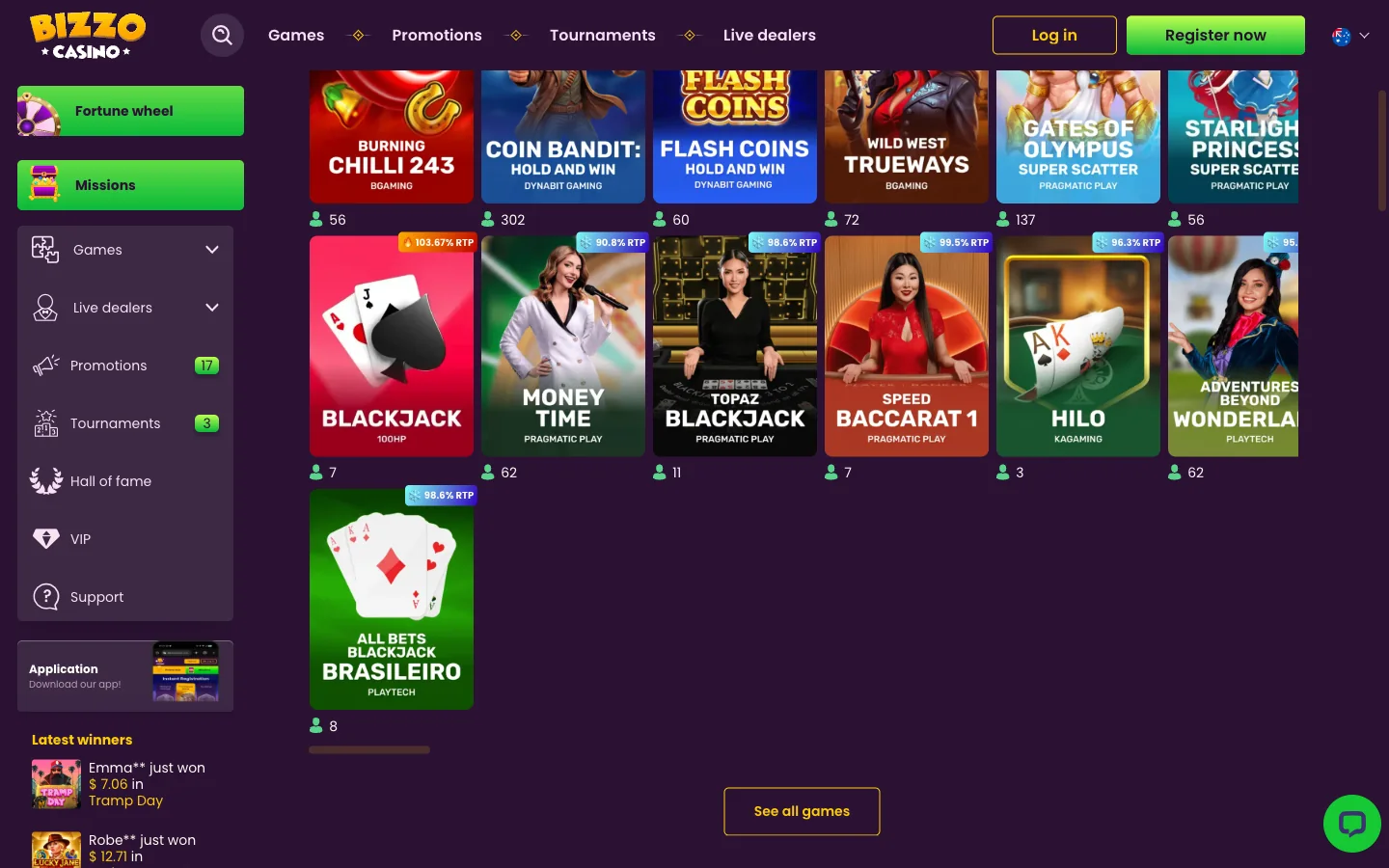
Note the row that matters most. The library does not differ. Every pokie, every live dealer table, every Fortune Wheel spin and Missions task is reachable both ways, because it is one lobby served to one browser engine. Anyone claiming an app-only game selection has invented it, and the real contents sit on the Bizzo Casino pokies and games page.
My own take: the full-screen part is the real win. Losing forty pixels of address bar sounds trivial until you watch a Hold and Win grid fill on a six-inch screen, and then it isn't.
Signing In to the Bizzo Casino App
The Bizzo Casino app login is the same login. The installed icon runs on your browser's engine and shares its stored session, so if you were signed in when you installed it, you are signed in when you open it. Saved passwords autofill as they do in a tab.
When the icon asks for credentials and the browser does not, one of them holds an older session. Sign out inside the icon, close it from the app switcher, reopen and sign in fresh. Password resets, two-factor prompts, locked accounts and clone-domain warnings live on the login and account troubleshooting page; if you have no account yet, start at registration.
Notifications, Data Use and Storage in the Bizzo Casino App
A native casino app can ask for hundreds of megabytes before you spin anything. This one asks for almost nothing, because the browser doing the work was already installed. The cached files behind the icon come to a few megabytes, roughly a handful of photos, and they live inside browser storage rather than as a separate program in your app list.
Data use depends entirely on what you play. Pokies stream graphics and sound the first time a title loads, then reuse most of it. Live dealer tables are video, so an evening on Adventures Beyond Wonderland Live over mobile data costs noticeably more than the same time on Sizzling Eggs. On a capped plan, the live floor is the part to watch.
Notifications, if you allow them, cover what you would expect: a deposit bonus going live, a tournament starting, free spins landing, a Missions task completing. Android handles these well through Chrome. On iPhone, web push only functions once the site sits on the home screen, which is one more small argument for installing. Revoke permission later in your browser's site settings without touching the icon.
Several affiliate pages report a small free-spin reward for installing or for switching notifications on. Nothing on the operator's own Australian pages confirms it, so treat it as reported and unconfirmed. The confirmed offer is the welcome package, set out on the bonus page.
Updating or Removing the Bizzo Casino App
There is nothing to update. That sounds like a limitation and it is the opposite of one. The icon loads the live site each time you open it, so whatever the operator changed overnight is already there when you tap in. No store queue, no download over mobile data, no version stuck behind an approval process, no stale build while the cashier moves on without you.
If the lobby ever looks wrong, the fix is a cache clear rather than a reinstall. Clear the site data for the casino domain, reopen the icon, sign in again.
Removing it is just as plain. Press and hold the icon, then choose Remove or Uninstall on Android, or Delete Bookmark on iPhone, and your phone is exactly as it was. To wipe the stored sign-in too, find the casino domain in your browser's site settings and clear its data, which drops the session with the cache. That second step matters on a shared device, so do it if the phone ever leaves your hands. Stepping away for bigger reasons than a tidy home screen? Deposit limits and time-outs are under responsible gambling, and cashing out first is covered on the withdrawals page.
Bizzo Casino App Questions
No. Searching Google Play returns other developers' titles, never the operator's own. The Bizzo Casino app download that works is the home-screen install described above, and it pulls no file onto your phone.
Nowhere, because the operator publishes none. Every Bizzo app apk online was packaged by a third party, and installing one hands an unknown developer permission to run code on your phone. The browser install gives the same lobby without that exposure.
Open the site in Safari, tap the Share button, then tap Add to Home Screen. That is the whole Bizzo app iOS route. It has to be Safari, since Chrome and Firefox on iPhone cannot write an icon to the home screen.
A few megabytes at most, since the icon points at cached web files rather than a packaged program. Deleting the icon and clearing the site data recovers every byte.
Almost always a stale stored session rather than a wrong password. Clearing the site data for the casino domain in your browser settings wipes both copies at once, and the next sign-in rebuilds one session the icon and the browser share. If the password is refused on both, that is a reset, handled on the login page.
Yes. The install works the same way in Chrome on an Android tablet, and the lobby simply lays out wider. iPad owners follow the Safari route instead and get the same result.
No, and players worry about this needlessly. The icon opens the same lobby, so Gates of Olympus Super Scatter, Wild Tiger and every live table are there. Titles and providers are listed on the games page.
A small free-spin reward for installing or enabling notifications is reported in places, but nothing on the operator's own Australian pages confirms it, so no figure is printed here. The verified offer is 125% up to A$2,500.
You do not. There is no version to patch and no store update to approve, because the icon loads the live site each time. Whatever changed this morning is in front of you this afternoon.
Press and hold the icon, then choose Remove or Uninstall on Android, or Delete Bookmark on iPhone. That clears the shortcut. To wipe the stored sign-in as well, clear the site data for the casino domain in your browser settings afterwards.
Put Bizzo Casino on Your Home Screen Tonight
No store listing, no apk, no waiting on a download. Open the lobby in your browser, add it to your home screen, and the 125% up to A$2,500 first-deposit offer is right there behind the icon. Bizzo Casino operates under Curacao licence 8048/JAZ.
Open Bizzo Casino and install it
Set a deposit limit before you install anything. An icon on the home screen makes playing easier, which cuts both ways.